Snap it before it's gone
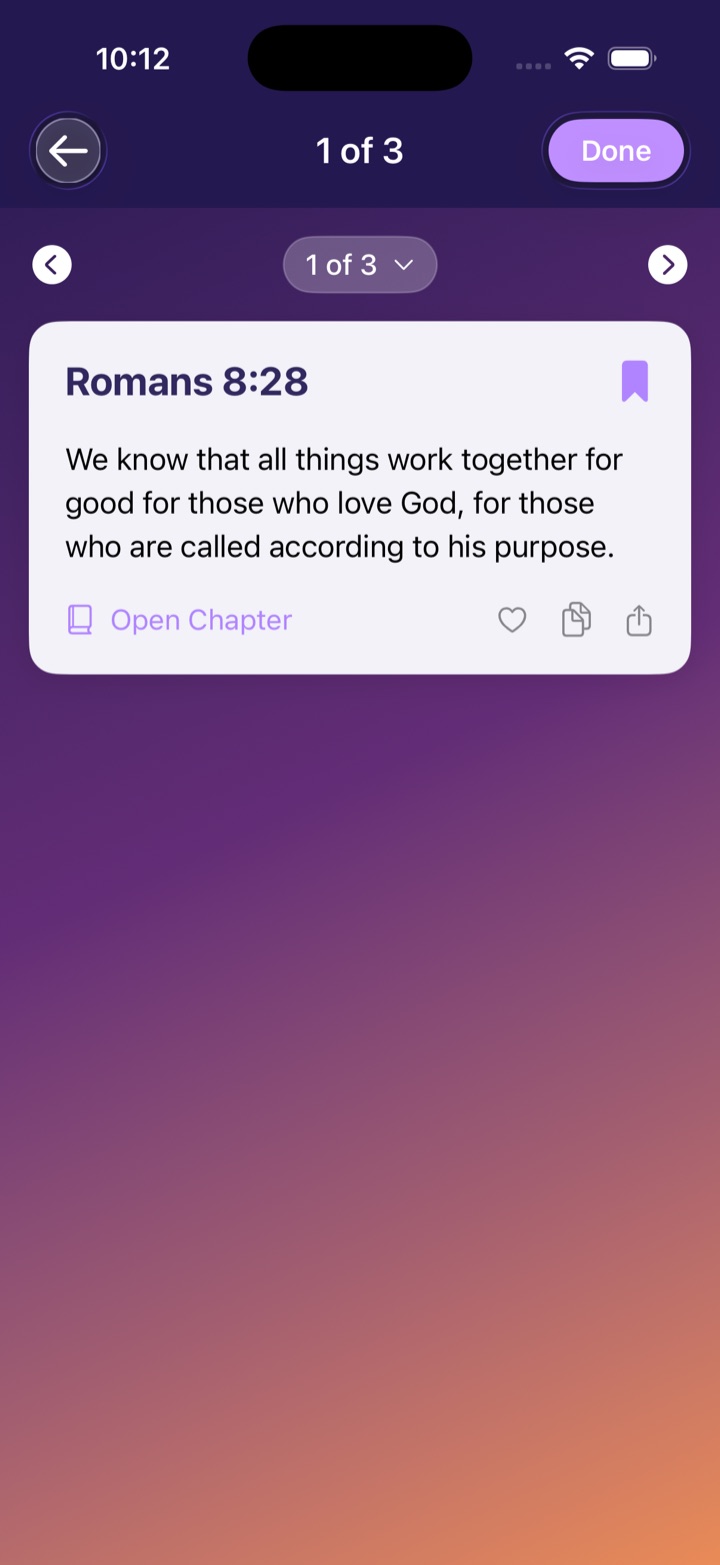
The reference is on the screen at church — until it isn't. Snap the slide, a book page, or a handwritten note, and every reference in the frame is caught, even several at once.
✦ Snap-A-Verse for iPhone · Free
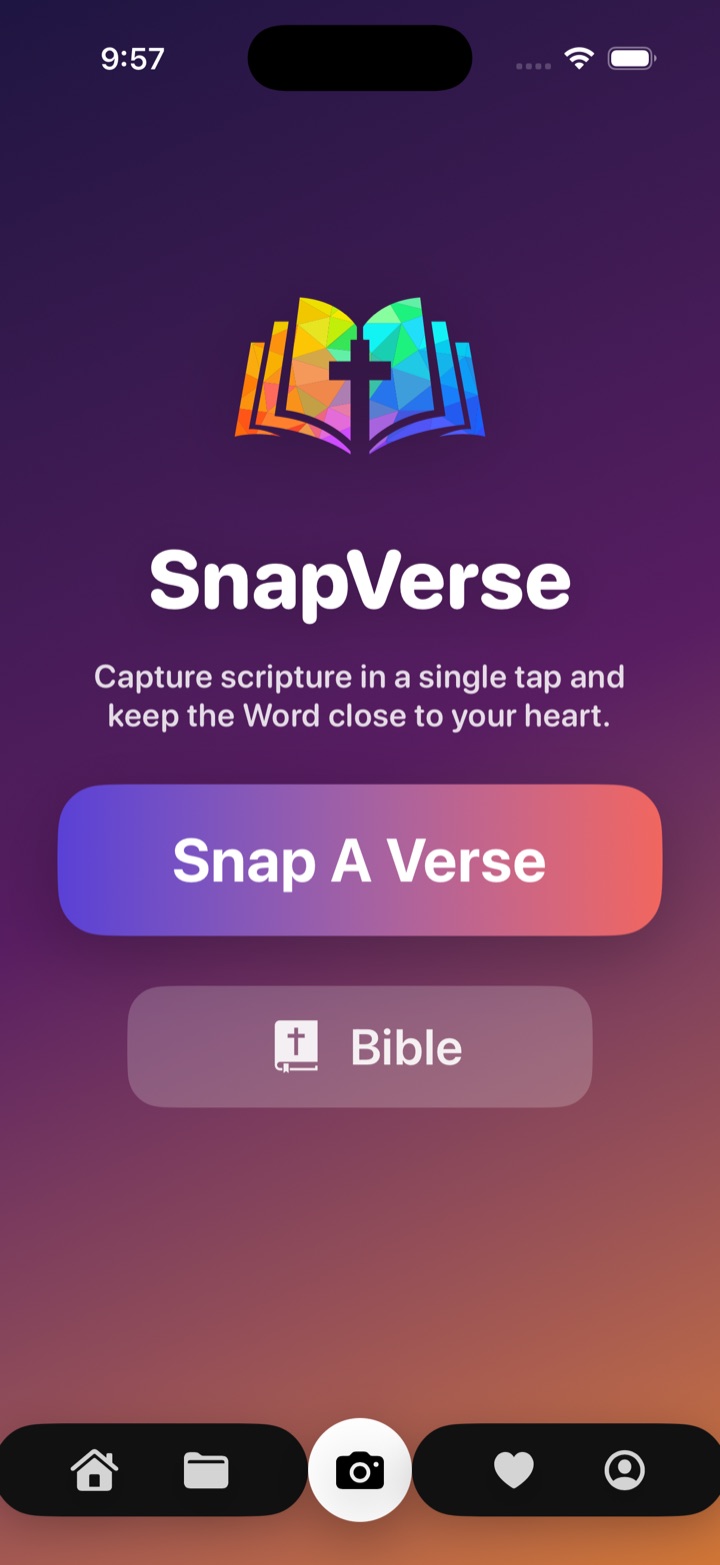
The reference flashes on the screen at church — and the slide moves on. Snap it first. Snap-A-Verse takes you straight to that book, chapter, and verse, open in the Bible and ready to read. No hunting through the table of contents. No needing to know where anything is.

“Your word is a lamp to my feet, and a light for my path.”Psalm 119:105 · World English Bible
✦ What it does
The pastor puts the reference on the screen — and a moment later it's gone. Snap-A-Verse catches it and takes you straight to the verse, even if you've never memorized a single book of the Bible.
The reference is on the screen at church — until it isn't. Snap the slide, a book page, or a handwritten note, and every reference in the frame is caught, even several at once.
No memorizing the order of the books. No table-of-contents hunting. The moment you snap, you're taken to the exact verse — open in the full Bible, ready to read.
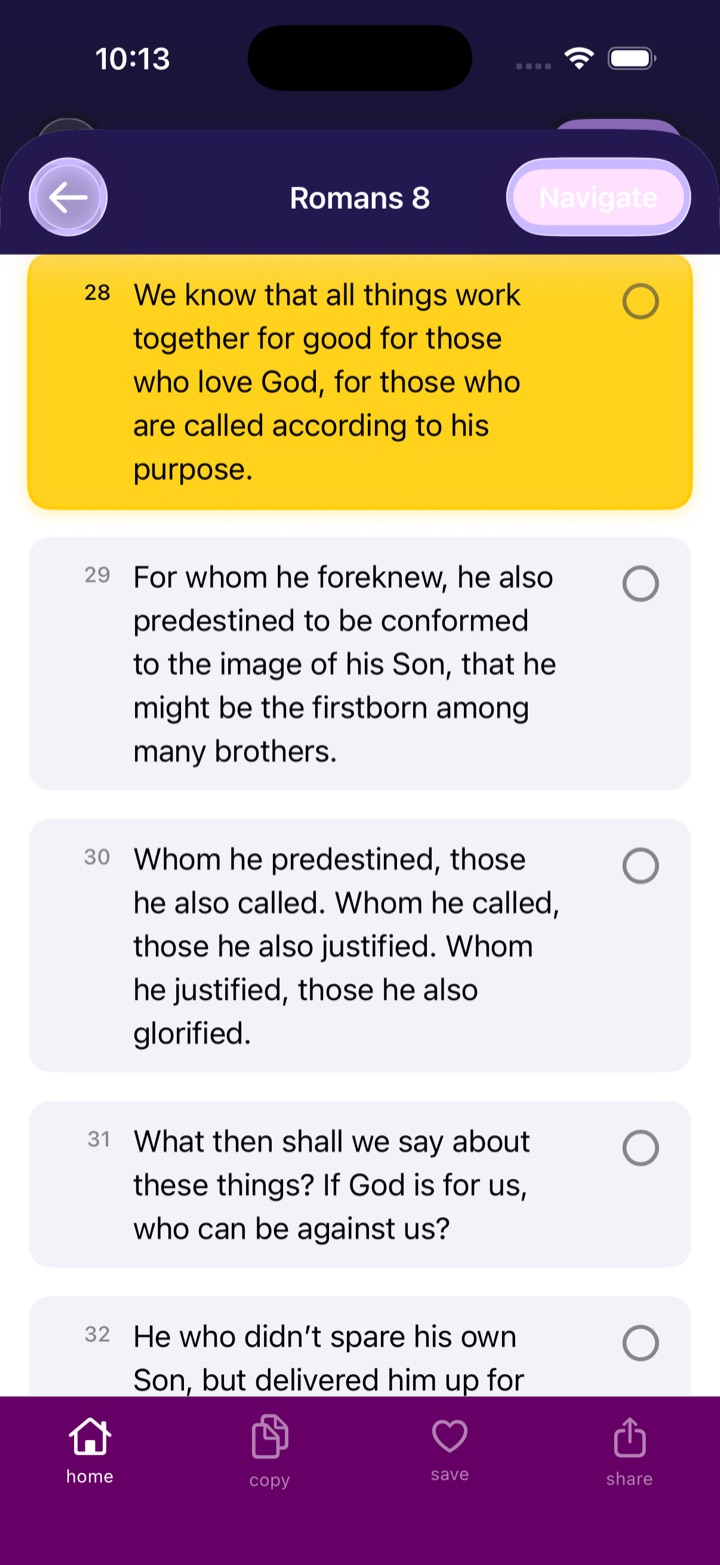
All 66 books of the World English Bible live on your iPhone — with your captured verse highlighted in its full chapter. No signal in the sanctuary? Everything still works.
Keep verses with a tap, then attach your own notes, reflections, and prayer points. Share any verse with a friend in two taps.
Organize by sermon series, small group, or season of life — with session notes, checklists, and photos inside. Unlimited, and free.
Every scan, save, and note stays on your device. No account, no ads, no tracking — your walk with God is between you and God.
✦ Three seconds, start to finish
The reference goes up on the screen. Open Snap-A-Verse and aim — projector screen, bulletin, book, or whiteboard — before the slide changes.
The reference is read right on your iPhone — nothing uploaded anywhere. You don't need to know what book it's in, or where that book even is.
You're taken straight to that book, chapter, and verse — open in the Bible, highlighted, ready to read before the preacher finishes the sentence.
✦ The library
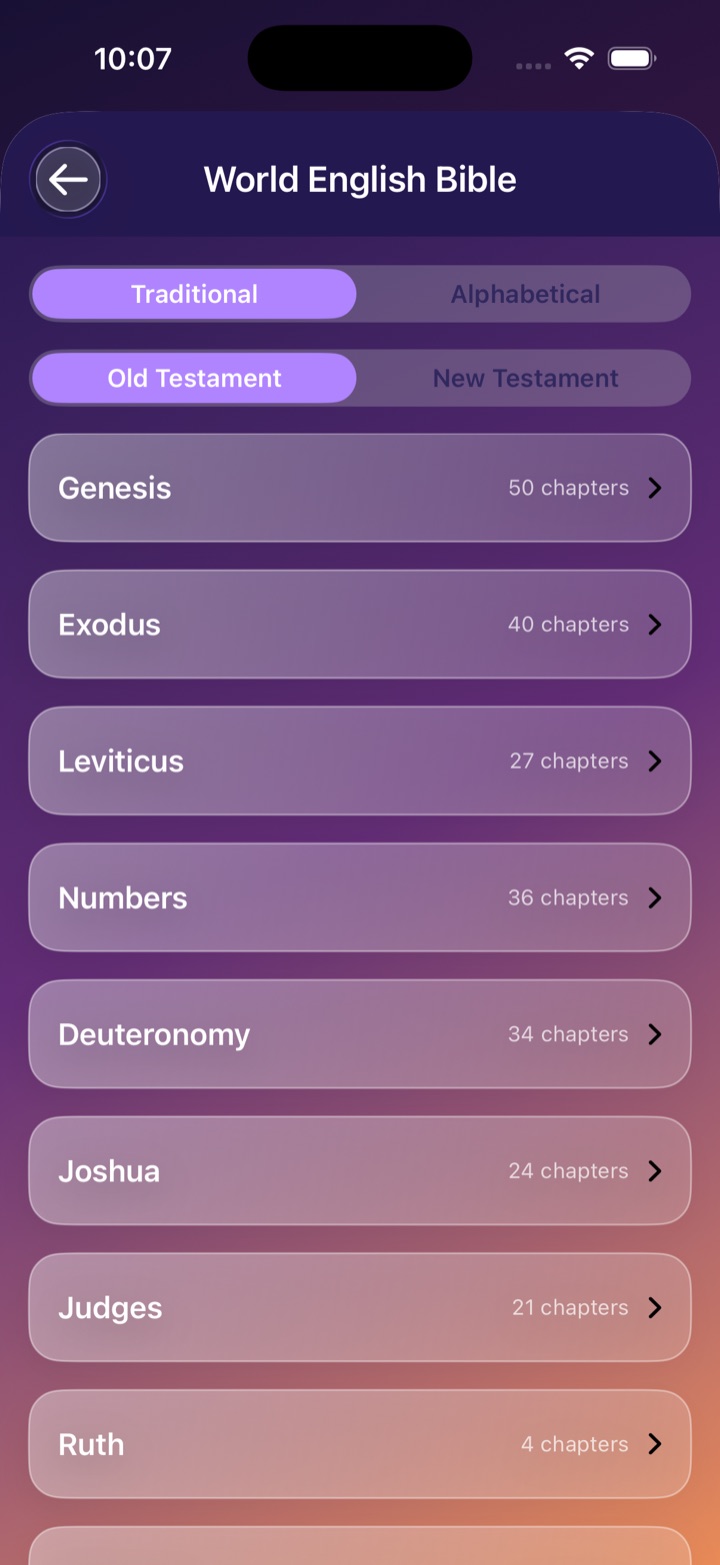
Snap-A-Verse carries the complete World English Bible — a faithful, public-domain translation — right on your device. Browse by testament or alphabetically, jump to any chapter, and read comfortably with Dynamic Type and VoiceOver support.
✦ No paywall · no subscription · no catch
“Snap-A-Verse is free to keep God’s Word accessible to everyone.”
Every feature is included for every person. If Snap-A-Verse blesses you, there’s a small tip jar inside the app — never required, always appreciated.
Download free on theApp Store